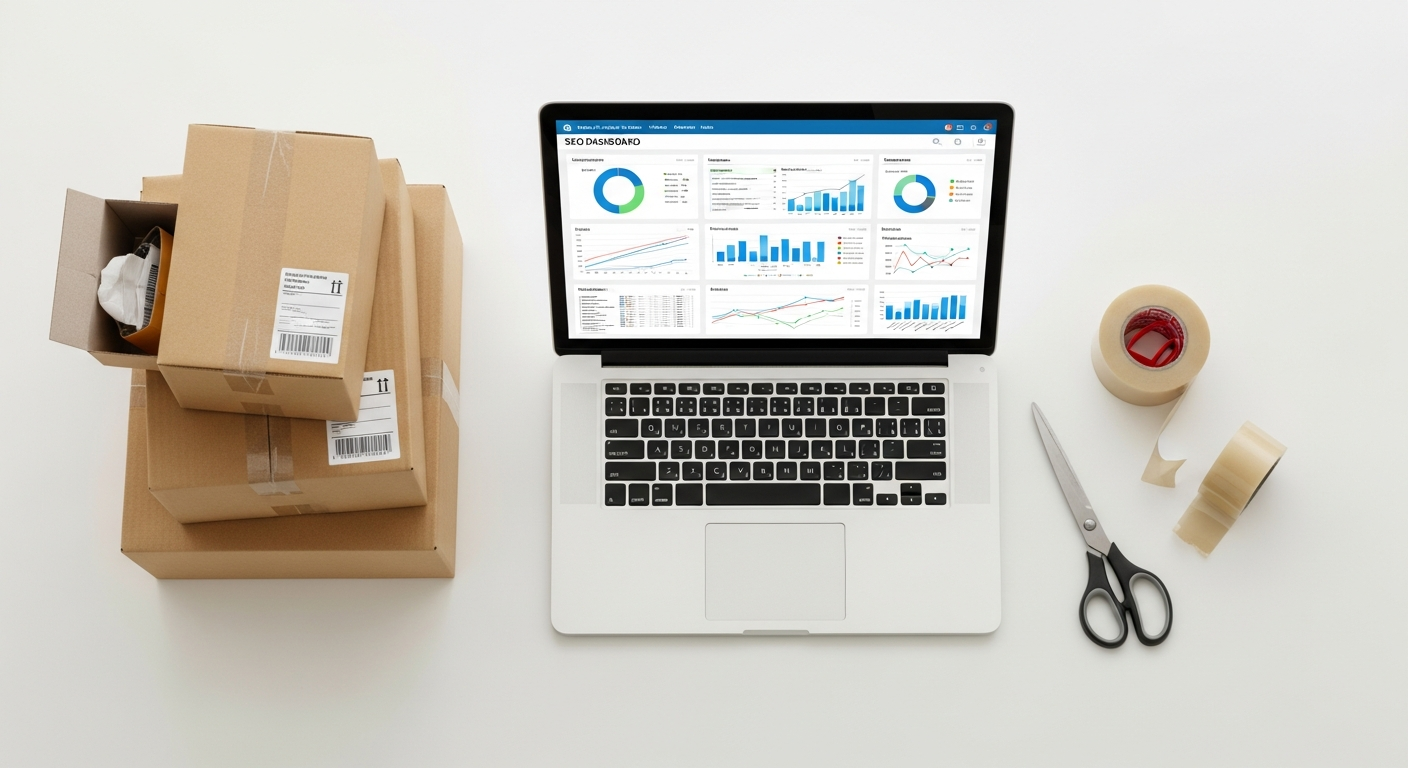
Automating Shopify Order Fulfillment: The Ultimate Guide to Scaling Your Profits in 2026
You didn’t start an e-commerce business to spend eight hours a day taping boxes, printing shipping labels, and manually typing tracking numbers into emails. While these tasks are the “engine room” of your Shopify store, performing them manually is the fastest way to hit a growth ceiling. As your order volume climbs from ten to a hundred, and eventually thousands of orders per month, manual fulfillment becomes a liability. It leads to human error, delayed shipments, and—most importantly—it steals time you should be spending on marketing and product development.
In 2026, the landscape of online retail is more competitive than ever. Customers expect “Amazon-speed” delivery and real-time transparency. To survive and thrive, you must transition from a hands-on operator to a systems-driven entrepreneur. Automating your Shopify fulfillment isn’t just about convenience; it’s a strategic move to maximize your profit margins and reclaim your freedom. This comprehensive guide will walk you through the actionable strategies and cutting-edge tools you need to build a self-sustaining fulfillment machine that works while you sleep.
—
1. Why Manual Fulfillment is Your Biggest Profit Killer
Many beginners fall into the “DIY Trap.” They believe that by handling every package themselves, they are saving money on labor costs. In reality, the opposite is true. When you factor in the “opportunity cost”—the value of your time if spent on high-impact activities like running Meta ads or negotiating with suppliers—manual fulfillment is incredibly expensive.
Manual processing is prone to the “fat-finger” effect. A single typo in a customer’s address leads to a returned package, a frustrated customer, and double the shipping costs. Furthermore, manual systems lack scalability. If you run a viral TikTok campaign tomorrow and receive 500 orders overnight, a manual process will collapse, leading to a backlog that could take weeks to clear.
Automation eliminates these bottlenecks. By integrating software that talks directly to your suppliers or warehouse, you ensure that as soon as a customer hits “Buy Now,” the fulfillment process begins without you lifting a finger. In 2026, profit maximization is found in the efficiency of your systems, not the sweat of your brow.
—
2. Choosing the Right Automation Model for Your Business
Before you install a dozen apps, you need to decide which fulfillment model fits your 2026 business goals. There are three primary paths to automation:
The Dropshipping Model
In this model, you never touch the product. When an order is placed on Shopify, the details are automatically routed to your supplier (often via platforms like DSers or AutoDS). The supplier ships the item directly to the customer.
- **Best for:** Low-capital startups and testing new niches.
- **Automation Level:** High.
The 3PL (Third-Party Logistics) Model
As you scale, you likely want custom packaging and faster shipping. You send your inventory in bulk to a warehouse (like ShipBob, Flexport, or Shopify Logistics). Their software integrates with your store; when an order comes in, their robots and staff pick, pack, and ship it instantly.
- **Best for:** Established brands looking to offer 2-day shipping.
- **Automation Level:** Total.
The Automated In-House Model
If you prefer to keep your inventory close (perhaps for high-end boutique items), you can still automate. Using tools like ShipStation or Veeqo, you can batch-print 100 labels in two clicks, automatically send tracking numbers, and use thermal printers that trigger the moment an order is marked “paid.”
- **Best for:** High-margin, low-volume, or highly customized products.
—
3. The Tech Stack: Essential Tools for 2026
The “magic” of automation happens in the integration between Shopify and your fulfillment partner. Here are the tools leading the charge this year:
Shopify Flow
Included in Shopify’s middle and high-tier plans, Shopify Flow is a “low-code” automation builder. You can create “If This, Then That” rules. For example: *If an order is over $200, tag it as ‘VIP’ and send a fulfillment request to the priority warehouse.* It is the brain of your automation strategy.
Matrixify
For those dealing with massive quantities of data or multi-channel selling, Matrixify allows you to automate the importing and exporting of order data. This is crucial if you are syncing fulfillment status across Shopify, Amazon, and eBay simultaneously.
ShipStation
The industry standard for a reason. It aggregates orders from all your sales channels into one dashboard. It automatically selects the cheapest shipping carrier based on the package weight and destination, then pushes the tracking number back to the customer.
Loop Returns
Fulfillment doesn’t end when the box arrives; sometimes it comes back. Loop Returns automates the “reverse logistics” side of your business. It allows customers to process their own returns and exchanges, only notifying you when the item has arrived back at the warehouse.
—
4. Step-by-Step: Setting Up Your First Automation Workflow
Let’s get practical. Here is how you can set up a basic automated workflow to handle your daily orders.
Step 1: Audit Your Current Process
Document every click you currently make to fulfill an order. Where are you copy-pasting? Where are you waiting for a page to load? Identify these friction points.
Step 2: Configure “Automatic Fulfillment” in Shopify
Go to Settings > Checkout. Under the “Order Processing” section, you can select “Automatically fulfill the order’s line items.” Note: Only do this if you are dropshipping or using a 3PL that can handle instant requests. If you need to check fraud risks first, keep this manual but use an app like Signifyd to automate the fraud check.
Step 3: Connect Your 3PL or Shipping App
Install your chosen app (e.g., ShipBob). Map your Shopify shipping rates to the 3PL’s shipping methods. This ensures that when a customer selects “Express Shipping,” the warehouse knows exactly which carrier to use without you telling them.
Step 4: Create a “Tracking Sync” Loop
Ensure your app is configured to “Notify customer of shipment” the moment a label is created. This reduces “Where is my order?” (WISMO) tickets, which are a major drain on customer service resources.
Step 5: Test with a “Ghost” Order
Always run a test. Buy a product from your own store using a discount code. Watch how the data flows from Shopify to your fulfillment tool. If the status changes to “Fulfilled” and you receive a tracking email without touching the dashboard, your automation is live.
—
5. Advanced Strategies: Inventory Syncing and Global Scaling
Once you’ve mastered basic fulfillment, it’s time to optimize for maximum profit. In 2026, the most successful Shopify stores use Multi-Location Fulfillment.
If you sell to customers in both the US and Europe, having a single warehouse in Ohio is inefficient. Use a 3PL with global locations. Your automation software should detect the customer’s IP address or shipping zip code and automatically route the order to the warehouse closest to them. This drastically reduces shipping costs and delivery times.
Furthermore, Automated Inventory Syncing is vital. Nothing kills profit like “overselling”—selling an item that is actually out of stock. Use tools like Stocky or Inventory Source to sync your warehouse levels with your Shopify storefront in real-time. If the warehouse has zero units, the “Add to Cart” button should automatically change to “Out of Stock” or “Pre-order” across all your sales channels.
—
6. Measuring Success: The KPIs That Matter
Automation is an investment, and like any investment, you must track the return. Focus on these three Key Performance Indicators (KPIs):
1. Order Cycle Time (OCT): How long does it take from the moment a customer pays to the moment the carrier scans the package? Automation should bring this down to under 12 hours.
2. Cost Per Order (CPO): Calculate your total shipping and packaging costs divided by the number of orders. Automation often allows you to access discounted commercial shipping rates that aren’t available to manual shippers.
3. Customer Support Tickets per 100 Orders: As your fulfillment becomes more automated and transparent, your support volume should drop. If it doesn’t, there is a “blind spot” in your automation (e.g., tracking emails are going to spam).
—
FAQ: Automating Shopify Fulfillment
Q1: Is it expensive to start automating fulfillment?
Not necessarily. While 3PLs have storage fees, apps like Shopify Flow are free on many plans. You can start small by simply automating your label printing and tracking notifications. The “cost” of not automating is usually higher due to wasted time and human error.
Q2: Can I automate fulfillment if I make handmade goods?
Yes. You can’t automate the *making*, but you can automate the *administrative* side. Use a thermal printer (like Rollo or Dymo) and a shipping aggregator. The moment you finish a product, one click should print the label and notify the customer.
Q3: How does automation handle international customs forms?
Modern shipping apps like ShipStation or Zonos automatically generate electronic customs documentation based on your Shopify product descriptions and HS codes. This prevents packages from getting stuck in customs—a major headache for manual sellers.
Q4: Will I lose the “personal touch” if I automate?
This is a common fear. However, you can program your automation to include personalized elements. For example, you can instruct your 3PL to include a specific “Thank You” insert based on whether it’s a customer’s first or fifth order.
Q5: What happens if an automated order has an error?
Most automation tools have an “Exception” folder. If an address is unverified or an item is out of stock, the system will “flag” the order and stop it from processing. This allows you to fix the 1% of problematic orders while the other 99% flow through perfectly.
—
Conclusion: Take Back Your Time and Scale
In the fast-paced e-commerce world of 2026, manual labor is the enemy of growth. Automating your Shopify fulfillment is the bridge between being a “side-hustler” and a true business owner. By shifting the heavy lifting to smart software and logistics partners, you free up your mental bandwidth to focus on what actually moves the needle: brand strategy, customer acquisition, and product innovation.
The path to a seven-figure store is paved with systems, not checkboxes. Start by automating one small part of your process today—whether it’s your tracking emails or your label printing—and build from there.
Ready to reclaim your time? Audit your fulfillment process this week and identify the first task you can hand off to an app. Your future, more profitable self will thank you.