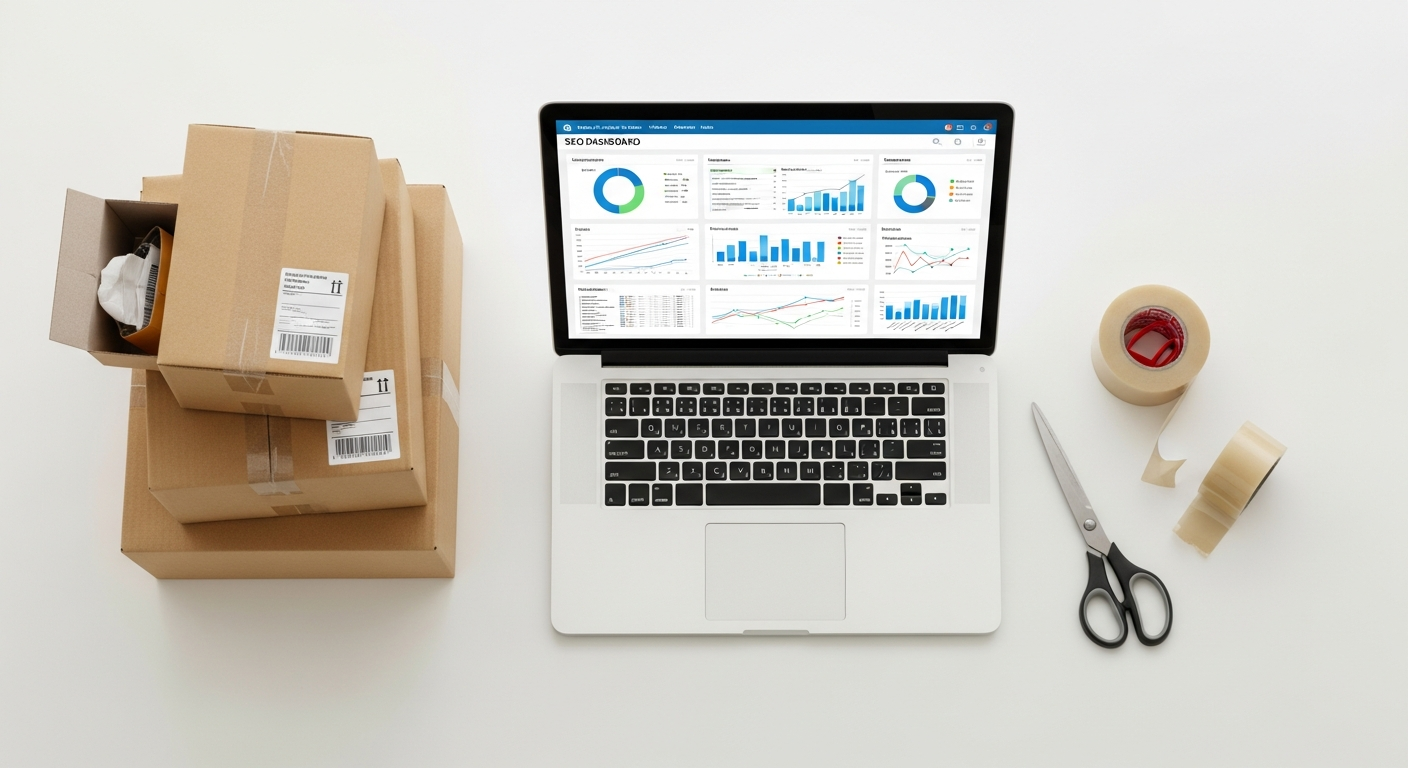
Google Shopping ads optimization for beginners

Google Shopping ads optimization for beginners
Categories:
Date:
April 13, 2026

Google Shopping Ads Optimization for Beginners: The Ultimate Guide to Scaling Profits

In the fast-paced world of e-commerce, catching a customer’s eye is half the battle. While traditional search ads rely on clever copywriting, Google Shopping ads—the visual product carousels appearing at the top of search results—allow your products to speak for themselves. For e-commerce entrepreneurs, these ads are not just a luxury; they are the most powerful tool in your digital arsenal to drive high-intent traffic directly to your storefront.

By E-CompProfits Editorial Team — E-commerce writers covering online selling, marketing, and digital business strategy.

However, simply uploading your catalog and “turning on” ads is a recipe for a drained budget. To truly maximize profits in 2026 and beyond, you need a strategic approach to optimization that aligns with Google’s evolving AI-driven ecosystem. Whether you are selling handmade jewelry or high-tech fitness equipment, understanding the nuances of feed management, bidding strategies, and visual psychology is what separates the market leaders from the noise. This guide is designed to take you from a complete beginner to a confident advertiser, providing actionable strategies to ensure every dollar you spend on Google Shopping contributes to your bottom line.

1. Mastering the Product Feed: The Engine of Your Success

Unlike standard search campaigns, Google Shopping ads do not use keywords to determine when your ad appears. Instead, Google crawls your Product Feed—a spreadsheet or data file containing your inventory—to match your items with user queries. If your feed is messy, your ads will either not show up or appear for irrelevant searches.

Optimize Your Product Titles

Your title is the most significant factor in Google’s ranking algorithm. You must front-load the most important information because users often see only the first 70 characters.

  • **The Formula:** Brand + Gender + Product Type + Attributes (Color, Size, Material).
  • **Example:** Instead of “Blue Sneakers,” use “Nike Men’s Air Max 270 Running Shoes – Ocean Blue – Size 10.”

Craft Detailed Product Descriptions

While descriptions aren’t always visible to the user, Google uses them for indexing. Use natural language but include relevant secondary keywords. Avoid “fluff” and focus on technical specifications, use cases, and what makes the product unique.

Leverage Google Product Categories

Don’t let Google “guess” what you are selling. Manually assign the most specific `google_product_category` possible from Google’s taxonomy. This ensures your high-end espresso machine isn’t categorized under “General Kitchenware,” putting it in front of the wrong audience.

2. Visual Excellence: Creating Images That Convert

In a sea of similar products, your image is the primary reason a user clicks. Google Shopping is a visual-first platform, and your creative assets must reflect that.

The Power of the Main Image

Google requires a clean, white background for the primary image. However, “clean” doesn’t mean “boring.”

  • **Resolution:** Use high-resolution images (at least 800×800 pixels).
  • **Framing:** The product should take up 70% to 90% of the frame.
  • **Consistency:** If you sell a line of products, ensure the lighting and angle are consistent across the board to build brand recognition.

Using Additional Images (Lifestyle Shots)

While the main image must be on white, your additional image attributes (`additional_image_link`) can show the product in use. For a standing desk, show a professional working at it in a modern office. This helps the customer visualize the product in their own life, which significantly increases conversion rates after the initial click.

3. Campaign Architecture: Choosing Between Standard and Performance Max

For a beginner, the choice of campaign type can be overwhelming. As we move through 2026, Google’s AI has become more sophisticated, but manual control still has its place.

Performance Max (PMax)

PMax is Google’s flagship “all-in-one” campaign type. It uses machine learning to serve ads across Shopping, YouTube, Display, and Gmail.

  • **Pros:** Requires less manual management; excellent at finding new audiences.
  • **Best For:** Sellers with at least 30-50 conversions per month who want to scale quickly.

Standard Shopping Campaigns

Standard campaigns offer granular control. You can choose your own bids and see exactly which search terms triggered your ads.

  • **Pros:** Full control over negative keywords and bidding; easier to troubleshoot.
  • **Best For:** Beginners with limited budgets or niche products that require tight control over where every cent is spent.

The “Zombie Product” Strategy

Often, 20% of your products will grab 80% of your budget, leaving the rest with zero impressions—these are “Zombie Products.” Create a separate “Catch-All” campaign with a low bid for these neglected items to give them a second chance at visibility without overspending.

4. Refining Traffic with Negative Keywords and Smart Bidding

Optimization is as much about what you *don’t* show up for as what you do. Negative keywords are your shield against wasted ad spend.

Filtering Out Low-Intent Queries

Monitor your “Search Terms” report weekly. If you sell luxury leather bags, you want to add “free,” “cheap,” “repair,” and “DIY” as negative keywords. This prevents your ad from appearing to people who have no intention of buying a premium product.

Transitioning to Smart Bidding

Once your account has gathered enough data (usually 30 days of consistent sales), move away from Manual CPC (Cost-Per-Click) and toward Target ROAS (Return on Ad Spend).

  • **Actionable Tip:** Set your initial Target ROAS slightly lower than your actual goal to give the algorithm room to learn. For example, if you want a 5x return (500%), set the target at 450% initially. As the AI stabilizes, you can incrementally increase the target to maximize profitability.

5. Building Trust: Ratings, Reviews, and Promotions

Even with a perfect image and a great price, a customer might hesitate if they don’t trust your store. Google Shopping offers several “trust signals” that can dramatically increase your Click-Through Rate (CTR).

Product Ratings (The Star System)

Those gold stars under product titles are powerful. To get them, you need to aggregate reviews through Google Customer Reviews or a third-party partner like Trustpilot or Yotpo. Products with a 4.5-star rating or higher often see a 15-20% lift in CTR.

Merchant Promotions

Running a sale? Use the “Promotions” feature in Google Merchant Center to add a “Special Offer” tag to your ad. Whether it’s “10% Off” or “Free Shipping,” these badges make your listing stand out in a crowded carousel.

Use “Sale Price” Annotations

If you drop the price of an item, ensure both the `price` and `sale_price` attributes are in your feed. Google will often show the original price crossed out, creating a psychological sense of urgency and value for the shopper.

6. Measuring Success: Moving Beyond the Click

To maximize profits, you must look past basic metrics like clicks and impressions. You need to understand your Profit on Ad Spend (POAS).

Setting Up Conversion Tracking

Ensure your Google Tag or GA4 (Google Analytics 4) integration is flawless. You must track not just that a sale happened, but the exact value of that sale. This allows Google’s AI to bid higher for customers who are likely to fill a large cart rather than just buying a single low-cost item.

The Importance of Lifetime Value (LTV)

A Google Shopping ad might result in a “break-even” sale on the first purchase. However, if your post-purchase email marketing is strong, that customer might return five times. Tools like Triple Whale or Northbeam can help e-commerce entrepreneurs track these long-term metrics to justify a higher Customer Acquisition Cost (CAC) on the initial Google Shopping click.

FAQ: Frequently Asked Questions

Q1: How much budget do I need to start with Google Shopping?

While there is no “minimum,” it is recommended to start with at least $20–$50 per day. This allows you to gather enough data for Google’s algorithm to learn. If your budget is too low, your ads may not show frequently enough to generate meaningful insights.

Q2: Why are my ads not showing even though I’ve set up a campaign?

The most common reason is a feed error in Google Merchant Center. Check the “Diagnostics” tab to see if your products are disapproved due to missing data, shipping policy errors, or image quality issues. Also, ensure your bids aren’t so low that you’re being priced out of the auction.

Q3: Should I use my manufacturer’s product descriptions?

No. Many resellers use the exact same manufacturer descriptions, which leads to “duplicate content” issues and makes your ad look generic. Rewrite your descriptions to include your unique brand voice and specific keywords your customers are searching for.

Q4: How long does it take to see results from optimization?

Google Shopping requires a “ramp-up” period. Generally, you should wait 14 days after making a significant change (like switching to Smart Bidding) before judging the results. The AI needs time to test your ads against different audiences and queries.

Q5: Can I run Google Shopping ads without a website?

No. You must have a verified website with a secure checkout process (SSL), a clear return policy, and contact information to be approved for Google Merchant Center.

Conclusion: Take Action to Scale Your Store

Optimizing Google Shopping ads is not a “set it and forget it” task. It is a continuous process of refining your product data, testing new visuals, and leaning into the power of AI-driven bidding. By focusing on a high-quality product feed and building trust through reviews and promotions, you create a sustainable engine for e-commerce growth.

The landscape of 2026 demands that sellers be more data-driven than ever. Start today by auditing your current product titles and cleaning up your images. As your data grows, let Google’s machine learning take the wheel on bidding while you focus on what matters most: sourcing great products and serving your customers.

Ready to see your sales soar? Log into your Google Merchant Center today, fix your top five disapproved products, and watch your visibility climb. The path to a profitable e-commerce empire starts with a single, optimized click.

Written By

Explore more articles

Contact Us

Want to learn more about us? Complete this form and someone from our team will be in touch soon.

Jessie Guerrero

Recent Articles